
T4 & T4A
Generating T4s & T4As Online With OneTwoPay
Generating T4s & T4As Online With OneTwoPay
Tax season is stressful enough for business owners. But add in manual tasks and repetition, and it becomes all the more time-consuming. OneTwoPay is committed to continuous improvement. We value your input and strive to meet your evolving needs. With this in mind, we have introduced our new t4 and t4a feature. Designed to simplify and enhance your payroll experience.
Sign Up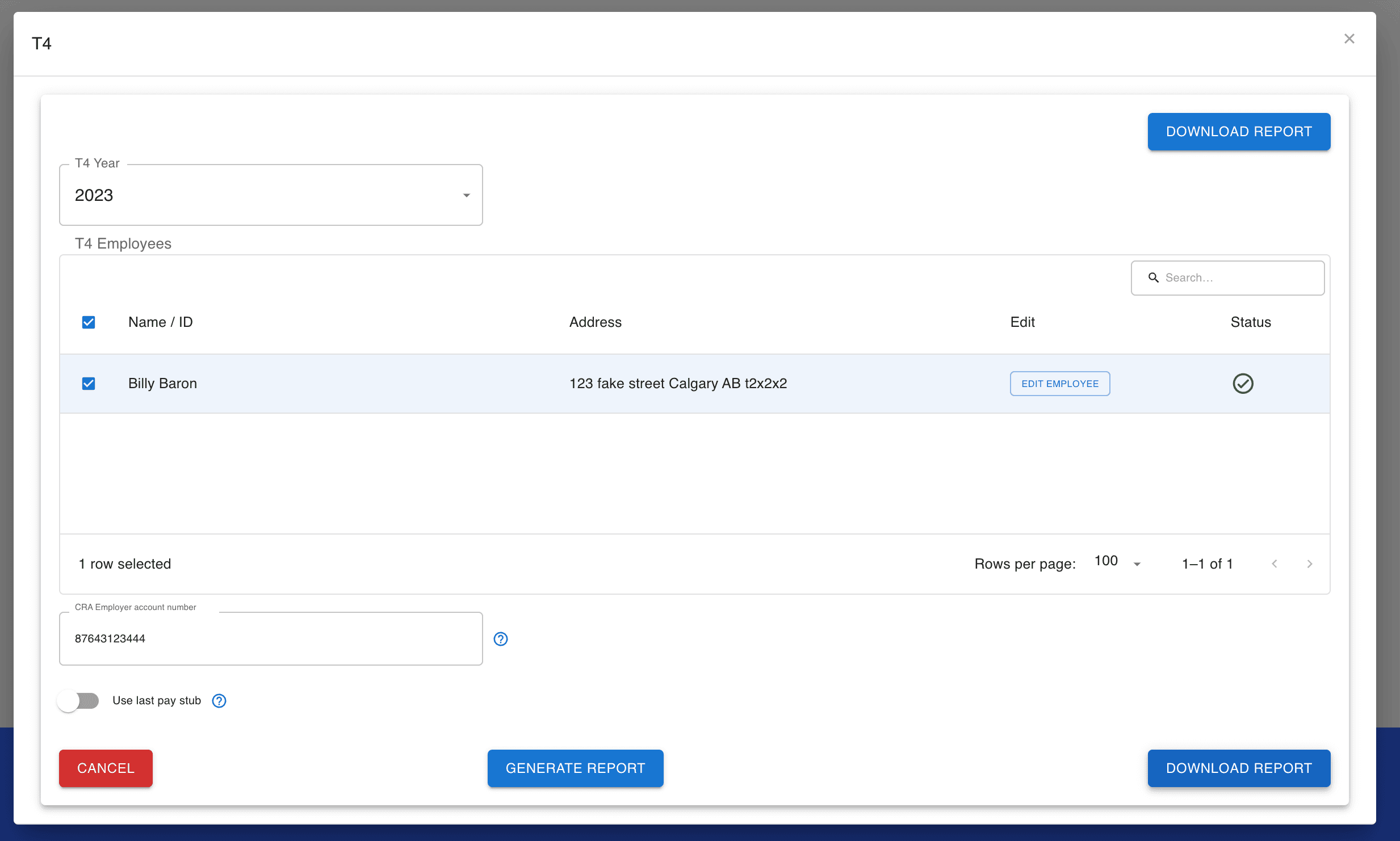
T4s & T4As on OneTwoPay:
- Are complete and ready to send to the CRA
- Are fully automated, reducing manual data entry
- Can be generated in bulk
- Flexible with Year-To-Date (YTD) options
Honestly, it’s that easy. Let’s get you your pay stubs.
Create a Pay Stub
- 1 (800) 837-8793
- support@onetwopay.ca